Bikin FinAccount & plan
Privacy & security
How Bikin Fin protects your company's financial data: email codes, roles, the activity log, invoice links, connections and account deletion.
Bikin Fin holds sensitive company financial data. This page sums up how that data is protected and what you can control. The full terms are in the Privacy Policy and the Terms of Service.
Who holds what data
Your company decides what it records and who may see it. For the customer, vendor and employee data you record, your company is the controller and BIKIN processes it on your company's behalf, only to run Bikin Fin.
Signing in safely
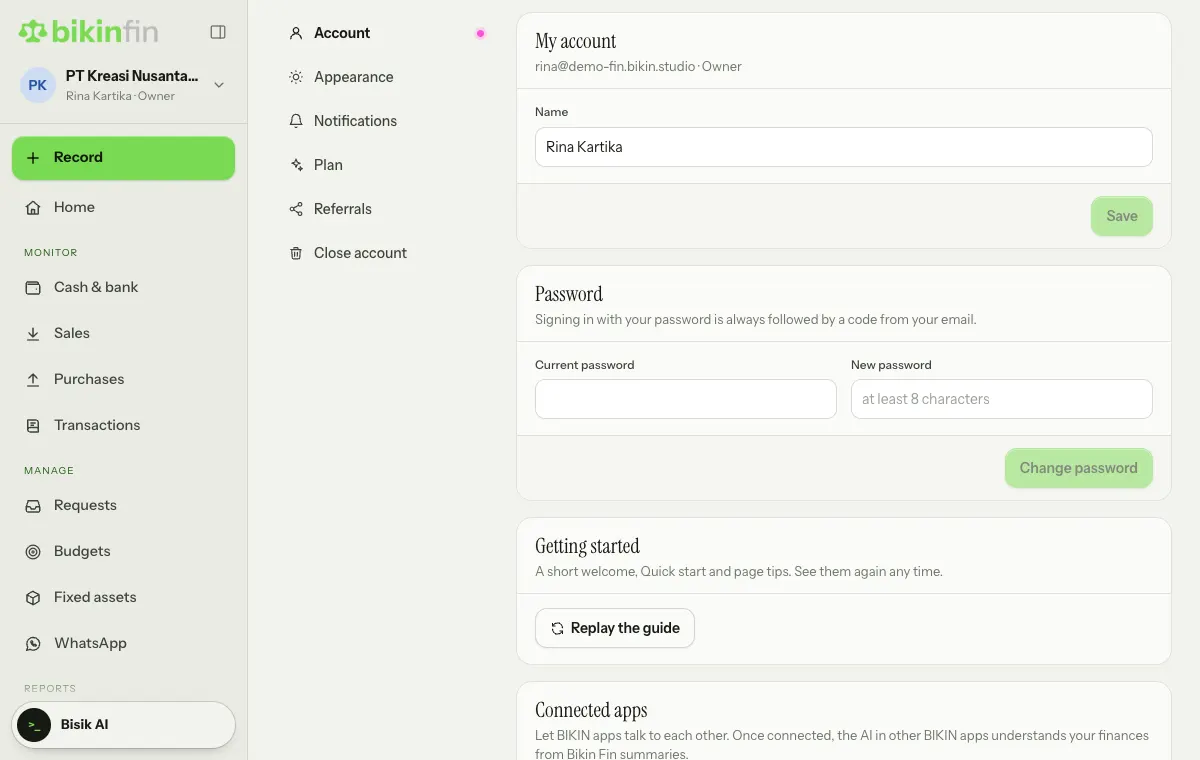
- Signing in with a password is always followed by a 6-digit code from your email. The code works for 10 minutes.
- A session lasts 30 days on one device. Changing your password signs out other devices.
- Sign in with Google can be linked or unlinked in Settings › Account. Bikin Fin only receives your name, profile picture and email from Google, never your password.
- Sign in with WhatsApp only sends a code to a number you verified in Settings › Account. Adding, changing or removing the number asks for an email code. A WhatsApp code works for 10 minutes, five wrong tries cancel it, and the number of codes per number is limited. The sign-in page never tells whether a number is registered.
- Important actions (voiding a transaction, changing a role, changing a vendor's bank account, locking a period, deleting data) ask for an email code again. See Roles & access.
Don't give your email or WhatsApp code to anyone, including someone claiming to be from the BIKIN team. BIKIN never asks for your code.
Preventing fraud and mistakes
- A vendor's saved bank account can only be changed with an email code, and the change is logged.
- Transactions are never deleted or edited in place; corrections and voids need a reason, and the original stays visible.
- Closed periods stay locked until the owner reopens them with a reason.
- The activity log records who did what and when.
Money and tax
Bikin Fin never moves money and isn't connected directly to your bank accounts. Payments, transfers and tax payments still come from your company's bank or happen in Coretax. Bikin Fin only records, reminds, calculates and builds files such as the transfer CSV and the Coretax import XML.
Invoice links and messages to customers
- Every invoice, quote and down payment receipt has a link with a random address. Anyone with the link can open it without an account, so share it only with the customer concerned. These links don't show up in search engines. A quote link stops working when the quote is voided.
- Bikin Fin can send invoices and reminders to customers by email on your company's behalf, and by WhatsApp if you switch it on. Customers who opt out of WhatsApp only get email.
AI
AI reading of bills, receipts and bank statements, and Bisik, only use the data of the company you have open and stay within your role. You always check AI results before saving. Bisik never shows bank account numbers, NPWPs or attachments.
Connections to other apps
BIKIN AI and BIKIN SIGHT can only read summary numbers after the owner or a finance manager allows it, and can be disconnected any time. See Connected apps.
Devices
Financial data isn't stored on your device; Bikin Fin always fetches it from the server when opened. If you lose a device, change your password in Settings › Account so sessions on other devices end.
Closing the account and deleting data
The owner can close the account in Settings › Close account:
- First export the journals and reports you still need.
- Choose Close account…, type the account name to confirm, then enter the email code.
While there's still referral commission that hasn't been withdrawn, or a payout is still being processed, the account can't be closed yet: withdraw the rest in Settings › Referrals first and wait for the payout to finish. If what's left can't be withdrawn yet (for example it's still on hold or below the minimum), contact BIKIN.
Every company and its books, bank accounts, contacts, uploaded files and everyone's sign-in are deleted for good and can't be brought back. All app connections are disconnected too. Plan payment records are kept as proof of payment.
To delete just one company, the owner can use Company › Other companies.
Questions
For questions about personal data, contact BIKIN at contact@bikin.studio.
Last updated: