Bikin HRHelp
Privacy & security
How Bikin HR protects employee data: per-company encryption, email codes, the access log, face data consent, and how to close the company account.
HR data is the most sensitive data a company has. This page explains how Bikin HR protects it, and what you can do.
Encryption
NIK, family card numbers, NPWP, bank account numbers, pay and every document file are encrypted on the server with a different key for each company. Request attachments (doctor's notes, receipt photos) and check-in photos are stored encrypted too.
On screen, sensitive values are masked. Opening a full value or a file asks for a code from your email, and files open through a link that only works for a short time and only for the person who asked.
Roles and the access log
Each person only sees what their role needs (see Roles & access). These rules are checked on the server for every request, including questions to Bisik.
Every time sensitive data or a document is opened, it is written to the Access log: who, what and when. The Owner can check it any time in Users & roles › Access log.
Sign-in and sessions
- Signing in with a password is always followed by a 6-digit code from your email.
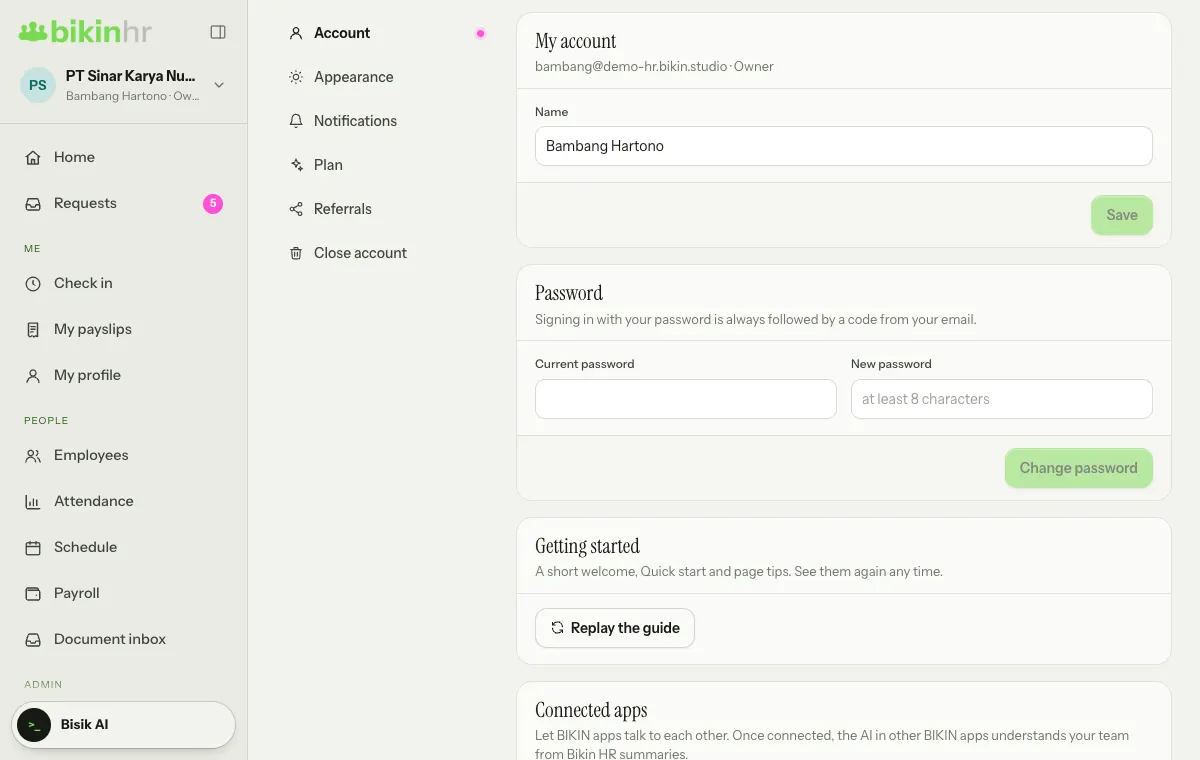
- Sign in with WhatsApp only sends a code to a number you verified in Settings › Account, never to the phone number in your employee data. Adding, changing or removing the number asks for an email code. A WhatsApp code works for 10 minutes, five wrong tries cancel it, and the number of codes per number is limited. The sign-in page never tells whether a number is registered.
- Important actions ask for an email code again; once right, it holds for 10 minutes.
- Changing your password signs out every other device.
- Never share a code with anyone, including the BIKIN team. If you get a sign-in code when you weren't signing in, change your password right away in Settings › Account.
Data on devices
Bikin HR doesn't keep employee data on phones or computers. If the internet drops, the app asks you to reconnect first. The one exception is the kiosk tablet: check-ins made while offline are kept on the tablet for a while and sent once it reconnects, and they always go to the review queue.
Face data
Face data is specific personal data under Indonesia's PDP Law (No. 27/2022). So:
- Face data is only recorded after the employee explicitly agrees in the app.
- Only face feature numbers are stored, encrypted per company. No face photo is used for matching.
- Face data is only used for check-in at that company's kiosks. A photo at each check-in is kept for review when in doubt.
- Consent can be withdrawn any time on the Attendance tab; the data is deleted at once. Face data is also deleted when the employee is deactivated.
- Employees who say no can still check in with a PIN or QR card.
- An account's profile photo is never used for face check-in.
Location and selfies
A phone's location is only read when the employee presses the check-in button, to match it with the work location. A selfie is only asked for when the company turns on Selfie required on phone, and it is kept for review.
AI
The Document inbox and Bisik use AI to read documents and answer questions. The Document inbox only guesses and always waits for your confirmation; Bisik only reads and never changes data. Other BIKIN apps you connect only read summaries, without personal data or documents (see Connected apps).
Close the company account
The Owner can delete all of the company's Bikin HR data in Settings › Close account.
- Download anything you still need first (for example payslips, CSVs and documents).
- Press Close account….
- Type the company name exactly to confirm, then press Delete everything.
- Enter the code from your email.
While there's still referral commission that hasn't been withdrawn, or a payout is still being processed, the account can't be closed yet: withdraw the rest in Settings › Referrals first and wait for the payout to finish. If what's left can't be withdrawn yet (for example it's still on hold or below the minimum), contact BIKIN.
Employees, documents, attendance, face data, requests, payroll, app connections and everyone's accounts are deleted for good and can't be restored. Subscription bill records are kept by BIKIN as proof of payment, as the Privacy Policy says.
If your group has several companies, delete the others first in Company › Group companies; the last one is closed here.
Closing the account can't be undone. For one employee who leaves, just set the leaving date and turn off Active on their profile.
Full policies
Read BIKIN's Privacy Policy and Terms, which include a section for Bikin HR.
Last updated: