BIKIN BOOKINGFeatures
Reports & export
Revenue, receivables and deposits, occupancy per stock item or team member, bookings by service and source, cancellations, security deposits and online payments, with CSV export and printing.
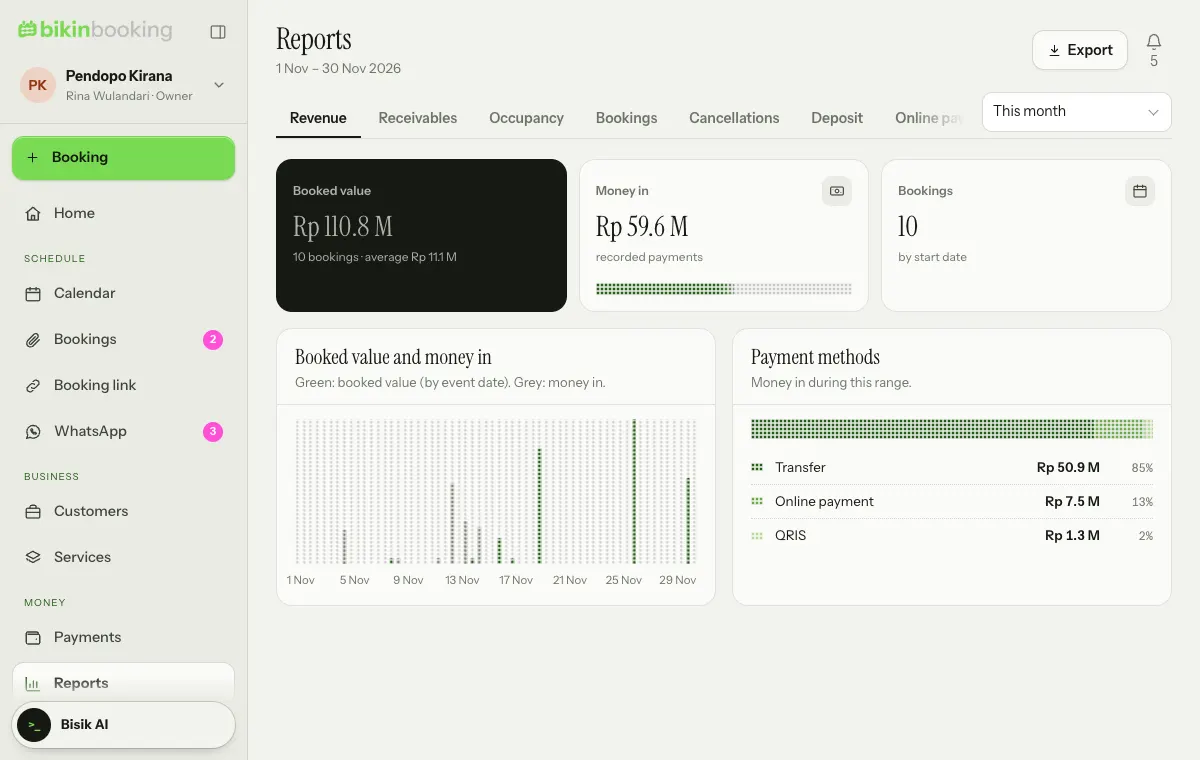
Reports sums up your business in seven tabs. Pick the period at the top right: This month, Last month, Next 3 months, Last 90 days or This year.
Report tabs
| Tab | What's inside |
|---|---|
| Revenue | Booked value by start date against money in, and money in by payment method |
| Receivables | What is outstanding today, how old it is, what is overdue, and deposits past their deadline |
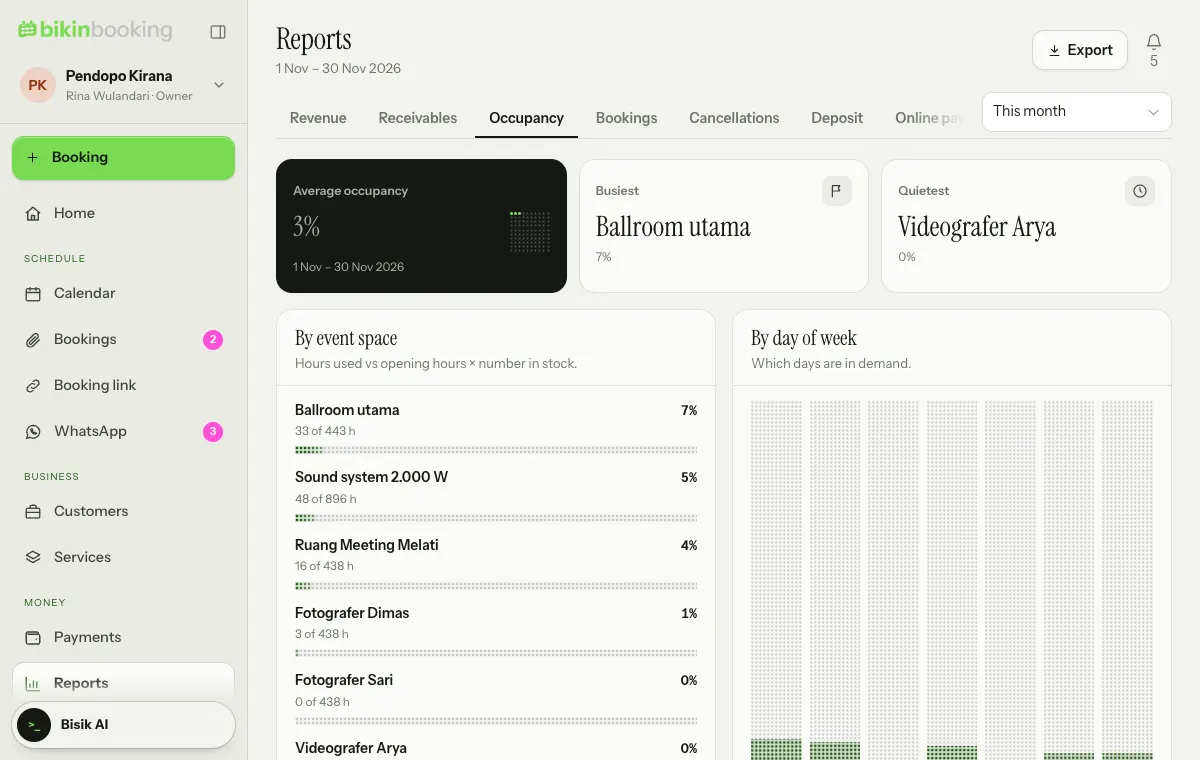
| Occupancy | Time used against opening hours, per stock item or team member, and per day of the week |
| Bookings | By service, by source (team, booking link, special links) and the share of requests accepted |
| Cancellations | Reasons and value of cancelled bookings and no-shows |
| Deposit | Security deposits held, returned and not yet returned |
| Online payments | Online payments, their fees and your balance |
Occupancy
Occupancy compares the hours (or days) used with opening hours times the number in stock. Home uses the same figure.
Export and print
Choose Export at the top of the page to download a CSV of the open tab, or Print report. Exports ask for a code from your email and are logged.
Full reports and CSV export follow your plan. The owner, admins and finance can open Reports.
Last updated: