BIKIN BOOKINGFeatures
Connected apps
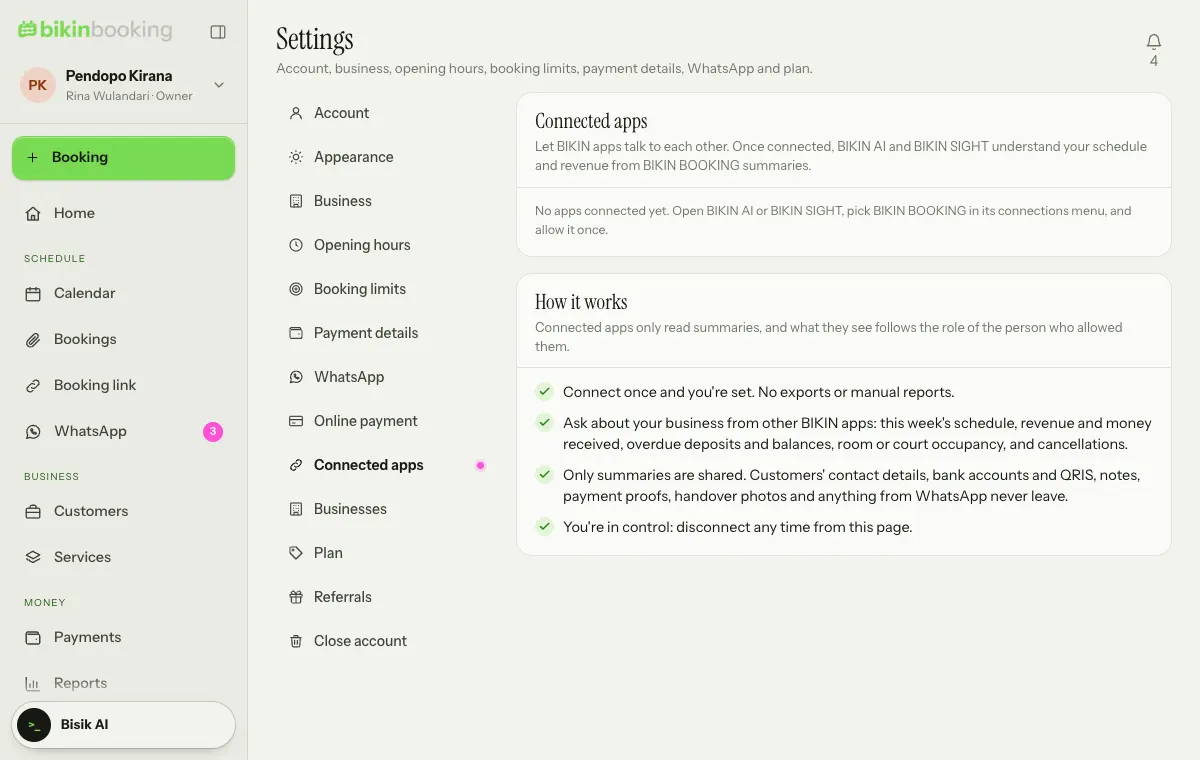
Connect BIKIN BOOKING to BIKIN AI and BIKIN SIGHT so they can read summaries of your schedule, bookings and revenue, without customer contacts, bank accounts, payment proofs or WhatsApp messages.
Connected apps lets other BIKIN apps read summaries from BIKIN BOOKING. Connect once, with no manual exports or reports. It's available when your plan includes the BIKIN AI and SIGHT connector.
Apps that can connect
| App | What it does |
|---|---|
| BIKIN AI | Ask about this week's schedule, revenue and money in, overdue deposits and balances, occupancy and cancellations from a BIKIN AI chat |
| BIKIN SIGHT | The executive dashboard shows a summary of bookings, revenue and occupancy alongside other BIKIN apps |
Connecting
The connection starts from the app that wants to read the data, not from BIKIN BOOKING.
- Open BIKIN AI (Settings › Konektor) or BIKIN SIGHT, then pick BIKIN BOOKING in its list of connections.
- Sign in to BIKIN BOOKING if you haven't.
- The Connect page explains what can be read and what is never shared.
- Choose Allow, or Decline if you change your mind.
What it sees follows the role of the person who allowed it.
What is shared and what isn't
Connected apps only read summaries: the schedule, bookings with their status and value, revenue and money in, unpaid bills, occupancy and cancellations. A connection can't add, change or cancel anything.
What never leaves through a connection:
- customers' contact details (WhatsApp numbers, emails and addresses),
- bank account numbers and QRIS,
- notes, payment proofs and hand-over photos,
- anything from WhatsApp: message contents, numbers and captures,
- passwords and anything about signing in.
Disconnecting
Open Settings › Connected apps. Each connection shows who connected it and when, and when it was last used. Choose Disconnect and confirm, or disconnect from the connected app. Closing your BIKIN BOOKING account disconnects everything.
Last updated: