BIKIN AIHelp
FAQ
Answers to common questions about BIKIN AI - accounts, tabs and switches, daily limits, websites, presentations and getting help.
Frequently asked questions about BIKIN AI. Can't find your answer? Ask Bikin AI directly in a chat, or contact support@bikin.studio.
Account
Is BIKIN AI free?
There is a free plan that never ends. Paid plans give more daily usage and unlock more features. See Plans and subscription.
The verification code didn't arrive.
Check the Spam or Promotions folder. The code works for 10 minutes. Press Resend code once the wait is over, or Use another email if the address had a typo.
I forgot my password.
If your account is linked to Google, sign in with Continue with Google, then change your password in Settings › General. If not, contact support@bikin.studio.
Can I sign in with Google if my Google email is different?
Yes. Sign in with your email and password first, then press Link Google account in Settings › General. Your Google email can be different from your BIKIN AI account's email.
Using chat
What's the difference between a switch on and off?
Switch off: the tab answers with your chosen model, fast and light. Switch on (Orchestrated): several top models work together for the most complete result, but it takes longer. See Chat and tabs.
Why did the switch turn off again?
A switch always starts off on a new chat or when you change tabs. Turn it on again before sending your message.
Why don't I see the Deep research or Motion builder switch?
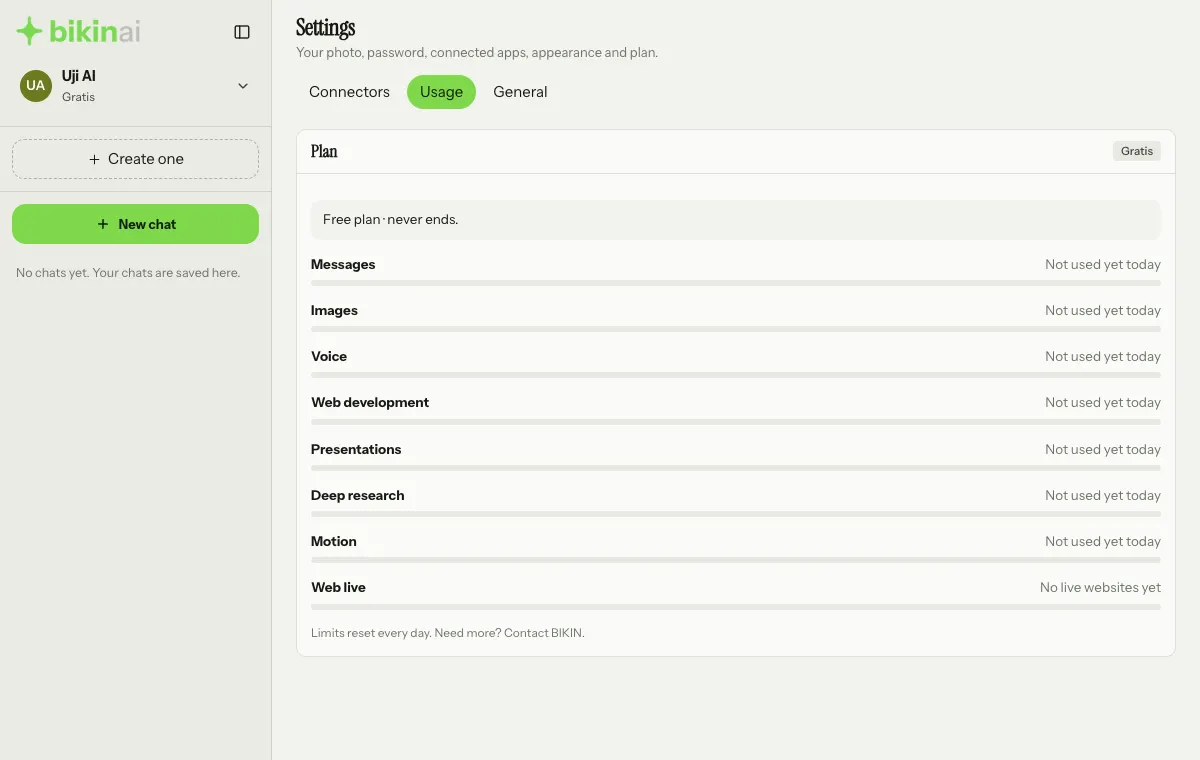
A switch only shows when your plan includes its feature; Deep research also needs a plan with web search. In Settings › Usage, a limit that isn't in your plan says "Not in your plan". You can see other plans on the Subscription page.
There's no voice message button.
The Voice button (the microphone) next to Attach only shows when your plan includes voice.
Do I lose the answer if I close the page?
No. Answers, research, websites and presentations keep going when you switch chats or close the page. Open the chat again later.
Which language does Bikin AI use?
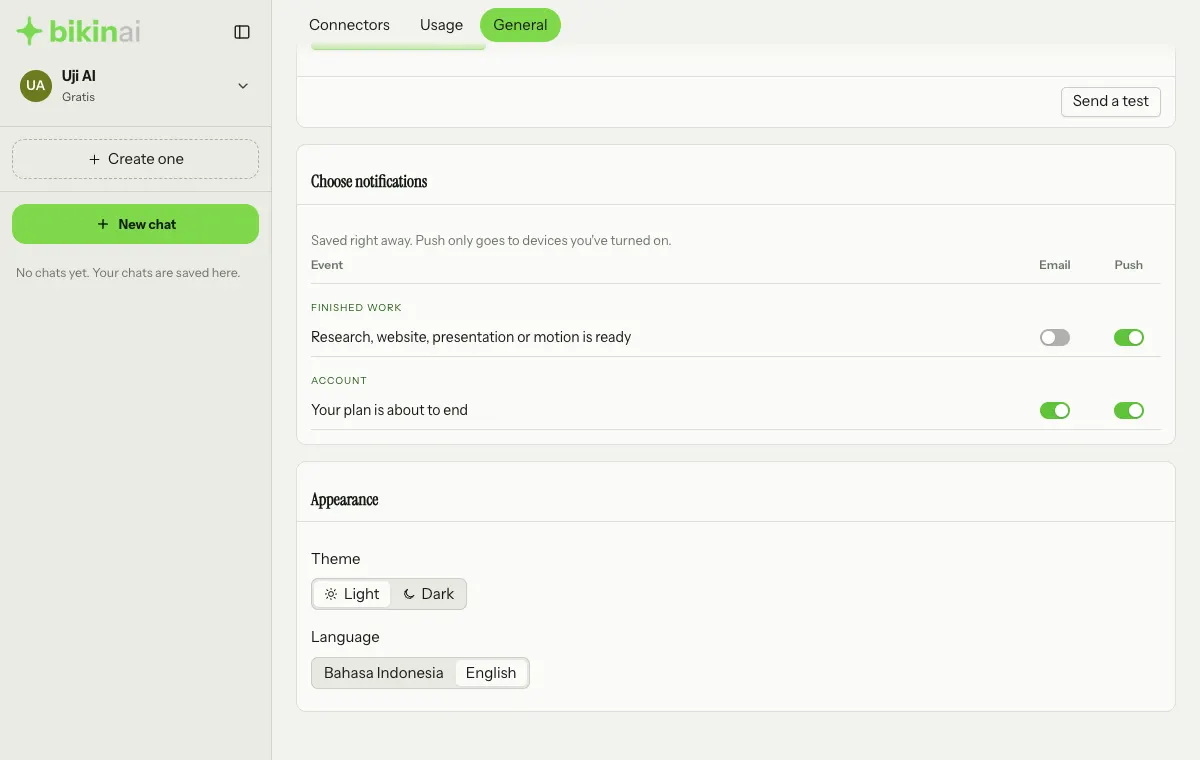
Bikin AI answers in the language you write in, Bahasa Indonesia or English. The language of buttons and menus is set in Settings › General › Language (the Appearance card), or straight from the profile menu.
Can Bikin AI make videos?
Bikin AI makes silent motion graphics you can download as MP4 in the IMAGE tab. Videos with sound or realistic footage aren't possible. See Images and motion.
Limits
What exactly are my daily limits?
BIKIN AI shows limits in words, not numbers. See the state of each limit today in Settings › Usage. Limits reset every day.
I've used up a limit. What can I do?
Wait until it resets tomorrow, or upgrade to a plan with more usage on the Subscription page (in the profile menu).
Websites and presentations
Can I use my own domain for a website?
Websites are launched at www.bikin.studio/web/website-name. Your own domain isn't available in BIKIN AI.
How do I remove the "Made with Bikin AI" label?
Turn on Hide BIKIN watermark in the Launch website window, Website settings, or the presentation's Share window. The switch is only available on some plans.
A YouTube video on my website doesn't play inside the page.
YouTube videos show as a thumbnail card; tapping it opens the video on YouTube.
Can I edit the PPTX file in PowerPoint or Keynote?
Yes. Download it as PPTX; the charts stay editable. For quick changes you can also use Edit on the presentation card.
Other
Is my data used to train AI?
No. See Privacy and security.
How do I delete my account?
Send a request from your account's email to contact@bikin.studio. See Privacy and security.
Last updated: